
Details on how to cancel your plan
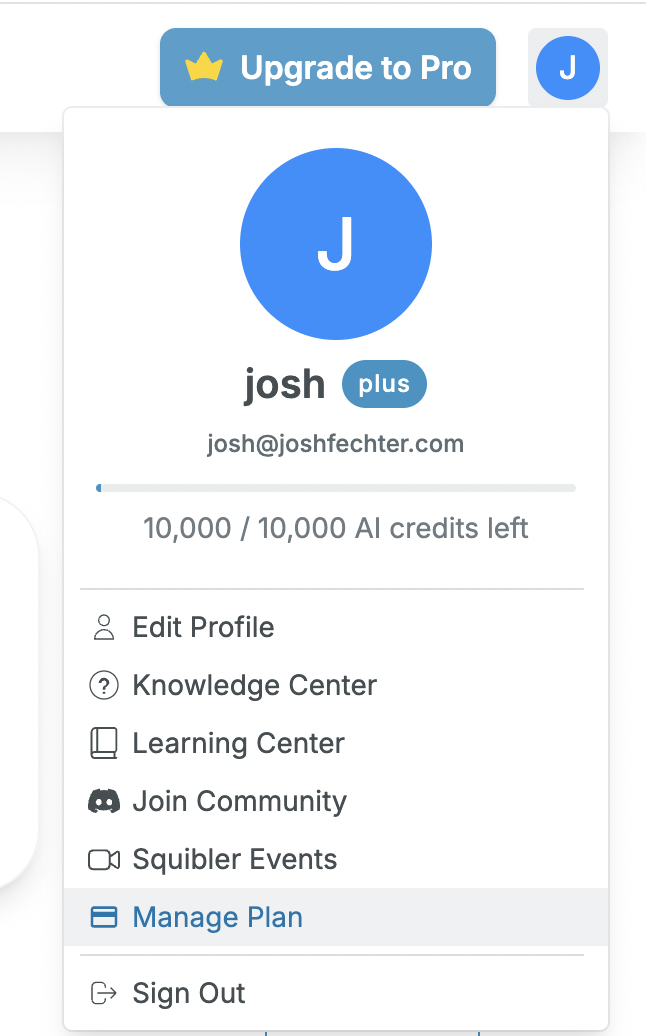
To pause or cancel your account, click on Manage Plan under your profile icon on the top right corner of the Squibler dashboard, and select "Manage Membership." From there, you'll find options to downgrade your plan to the free plan.
Downgrading
Downgrading your subscription is a permanent stop to your billing cycle. This action ends your plan’s credit refresh and future payments, but your projects and documents remain accessible.
We recognize that sometimes things come up that require special consideration! If you have questions about pausing or canceling your plan, please drop us a note at: info@Squibler.com