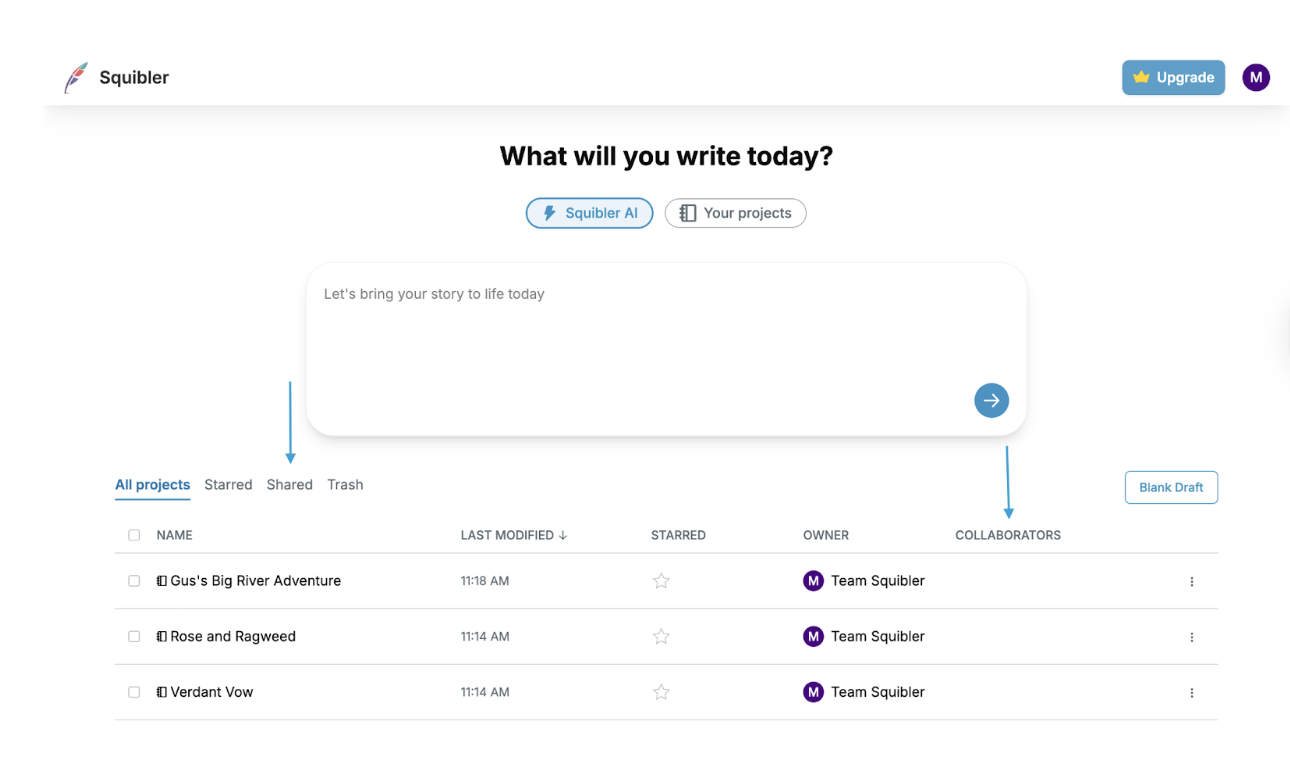
Your Squibler dashboard allows you to create new books, screenplays, and outlines. You can also manage your projects here by starring them, adding collaborators, and deleting them.
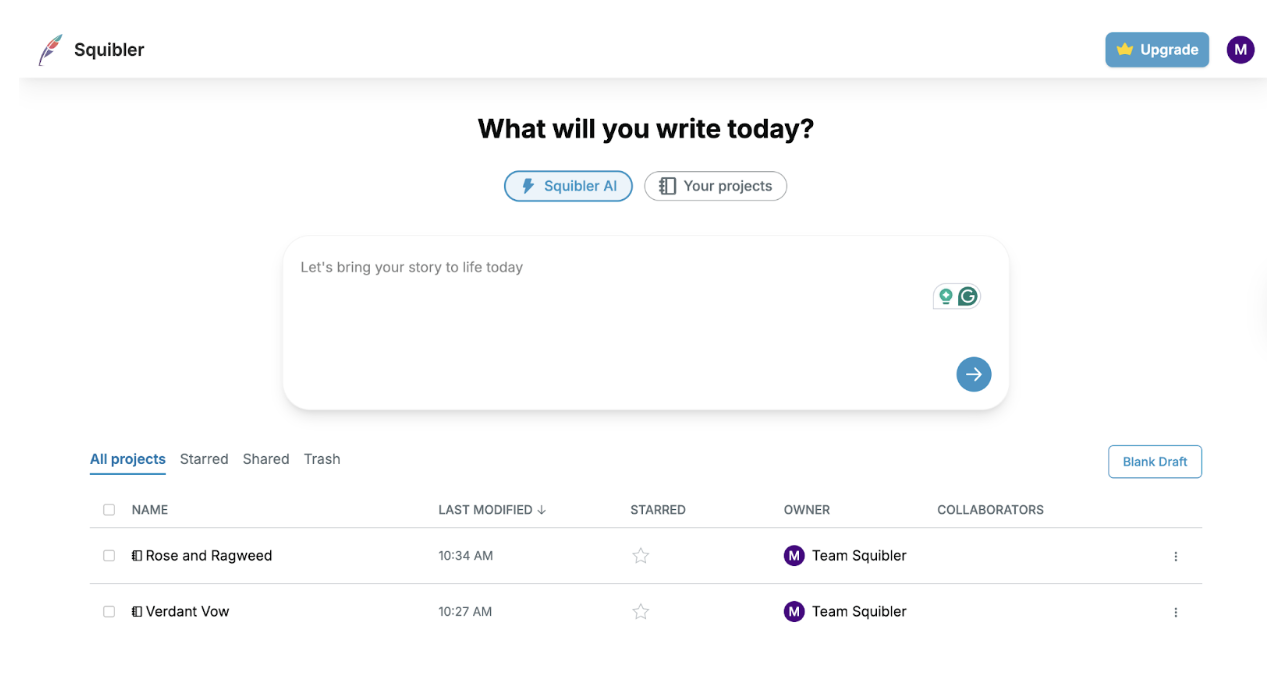
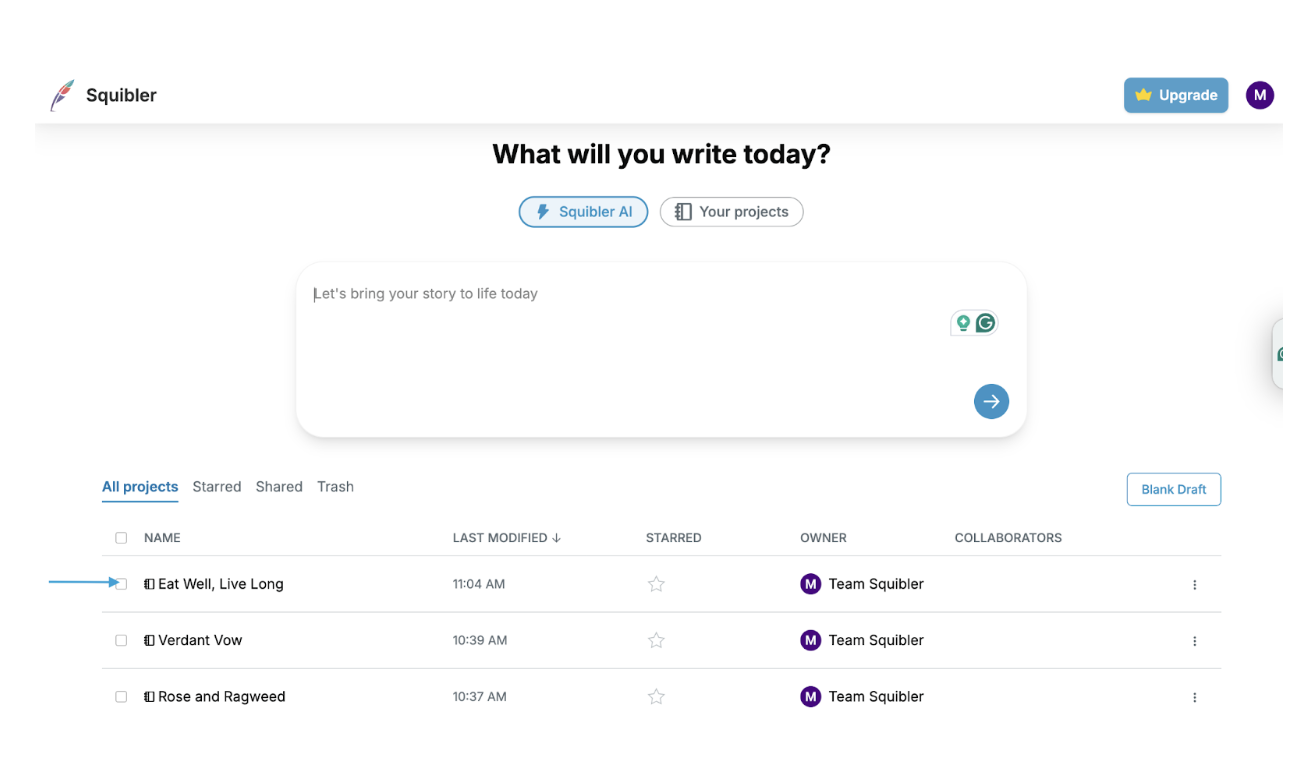
To open a project, click on the title you want to read or edit:
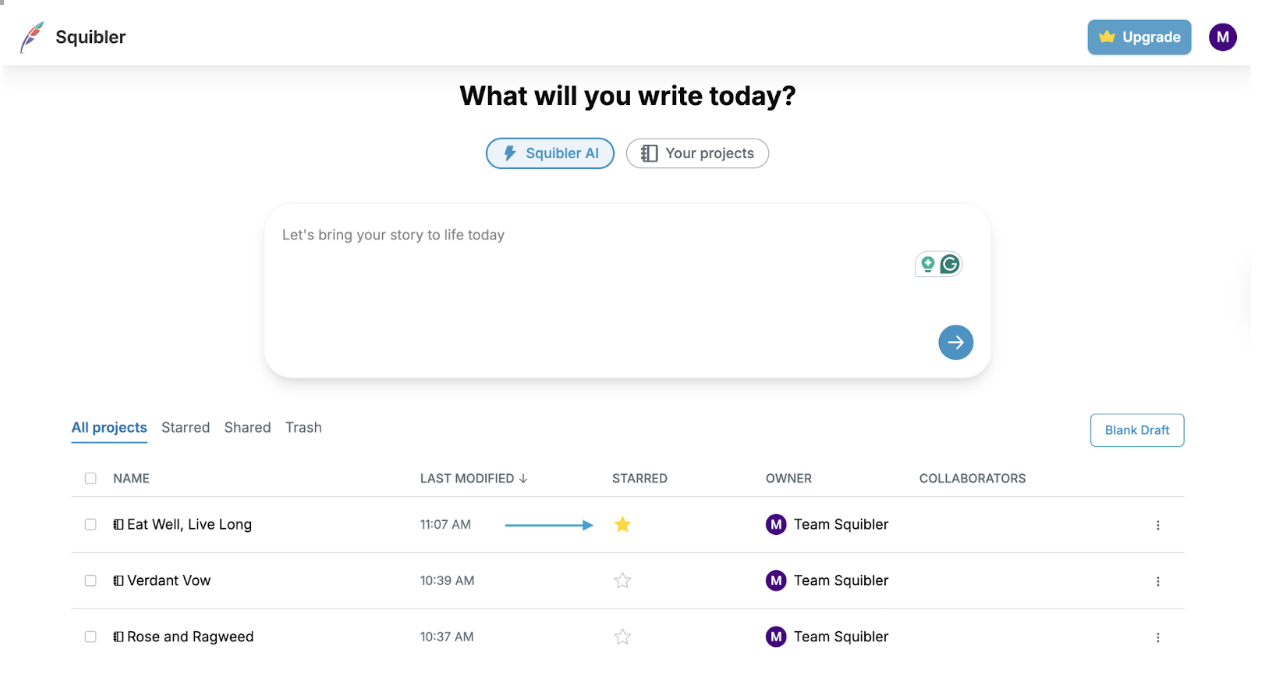
To highlight a project with a star ⭐, click on the star in the starred column:
If someone has shared a project with you in Squibler, you will see a notification to the right of your projects list in the Shared tab.
You can find writers/readers/editors you have allowed to access your writing in the right Collaborators column: