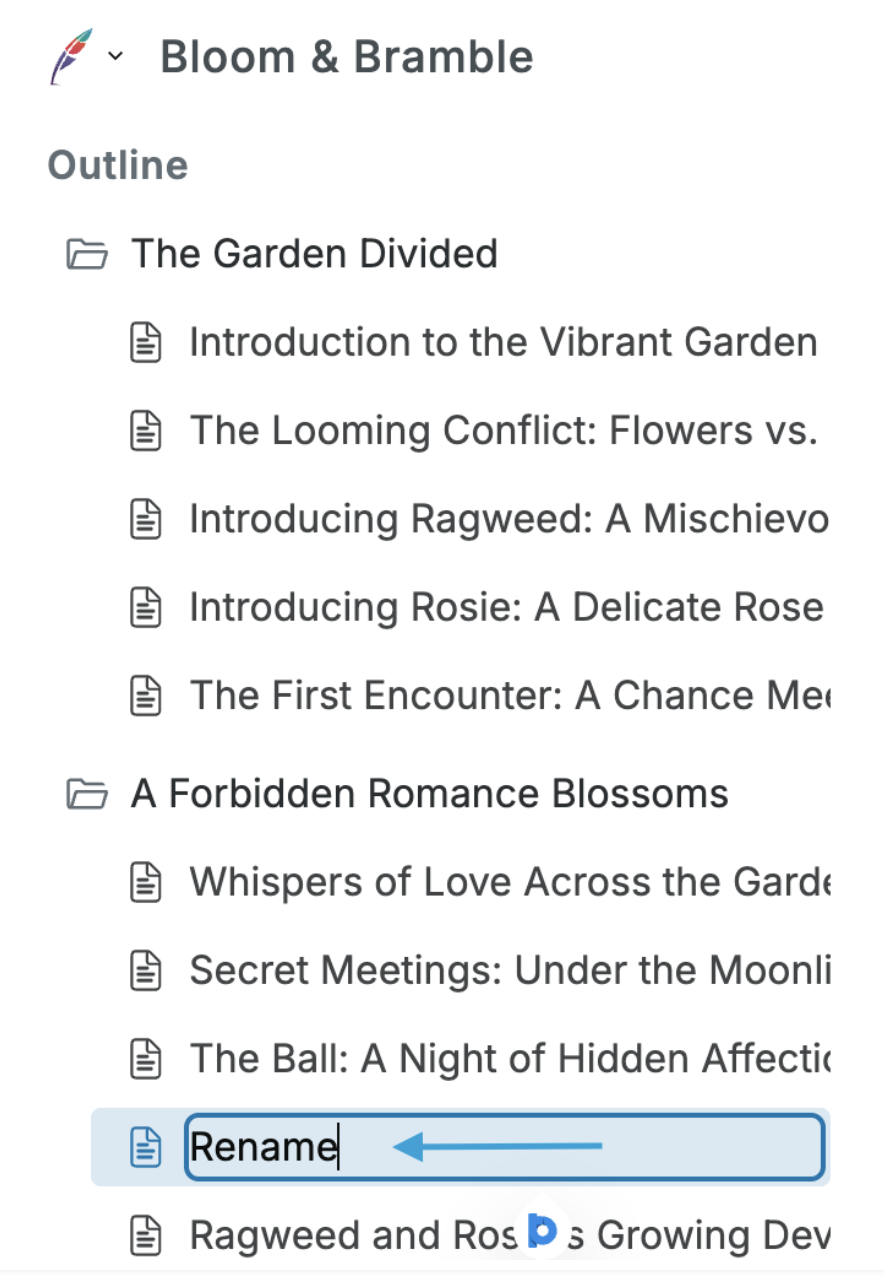
Squibler uses a folder and file system to help you organize your manuscript. If you generate a full book or screenplay, the application will automatically divide up your work and name it. However, you can alter this to suit your needs. 📂
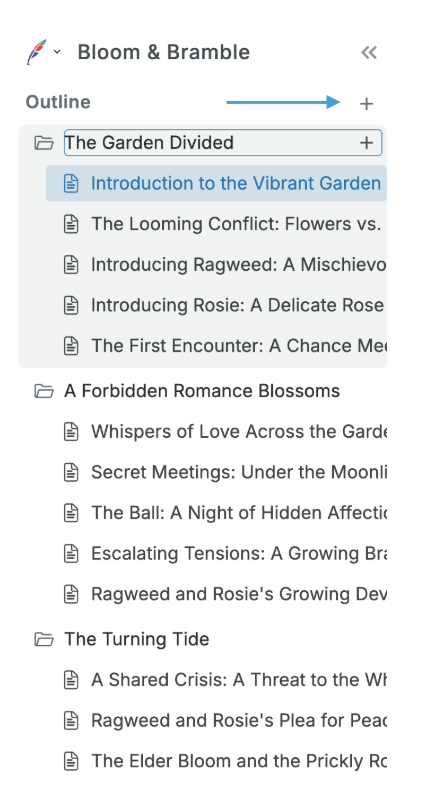
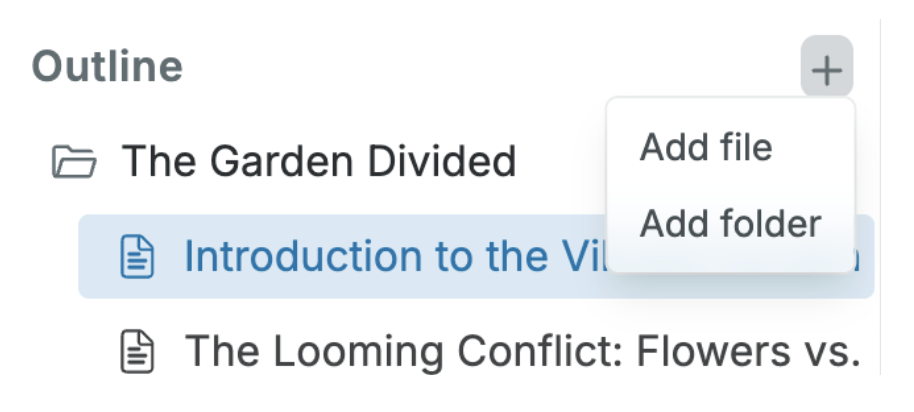
If you hover your cursor over the word Outline on the top left side, you will see a plus sign + appear. Clicking the plus sign will allow you to add more folders and files to your project:
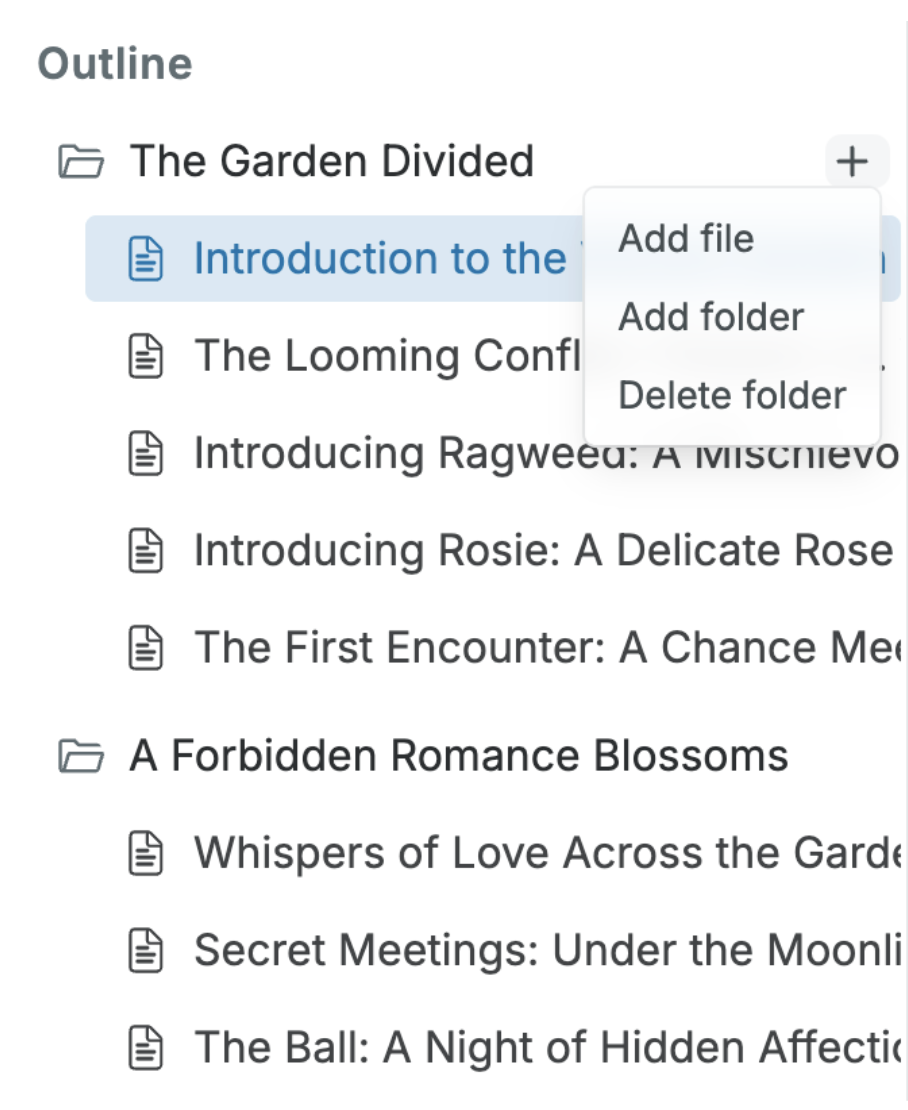
If you click on the plus sign next to any one of your folders or files, you can add more files or folders in that specific folder. You can also delete folders and files you no longer need:
You can also rename any folder or file by double-clicking the folder or file you want to rename and then typing the new name into the box: