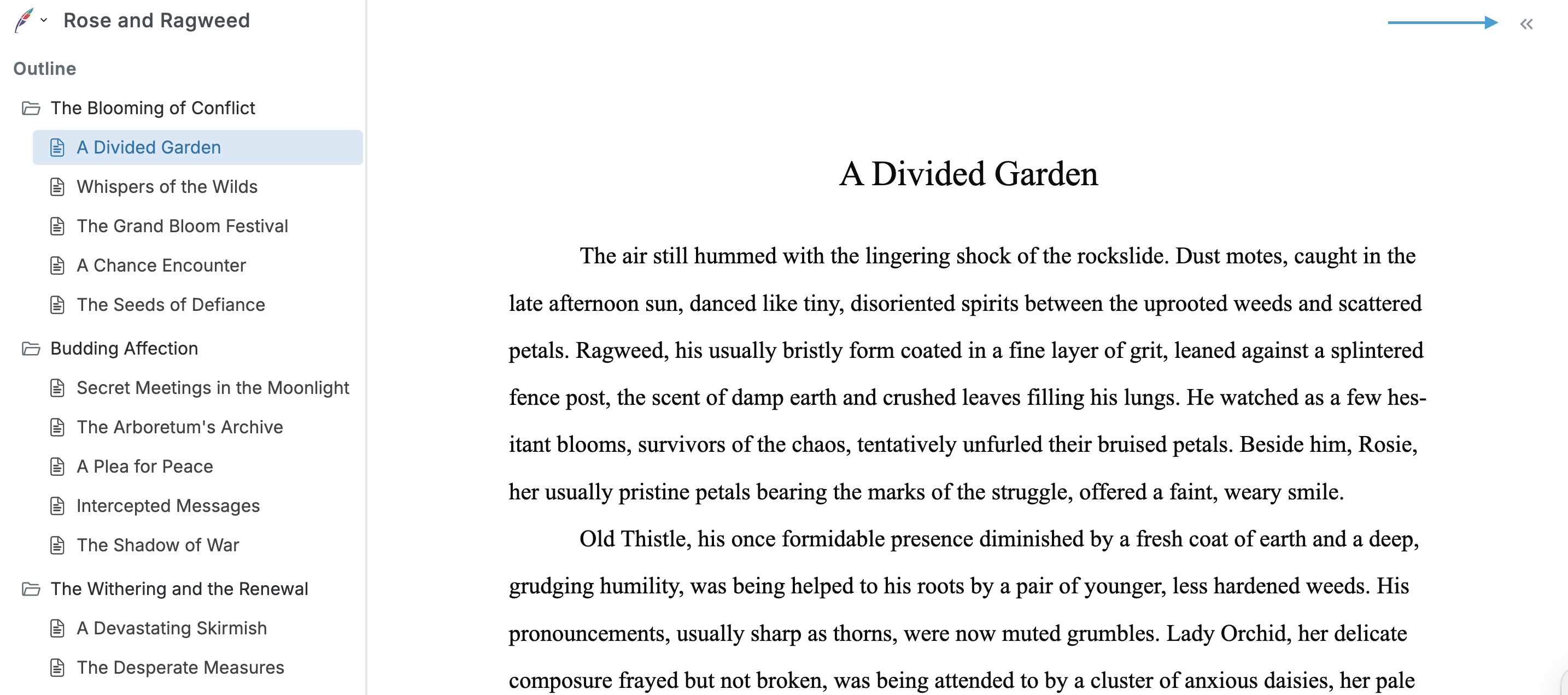
You can minimize both the left and right sidebars in the Squibler editor to focus on your document:
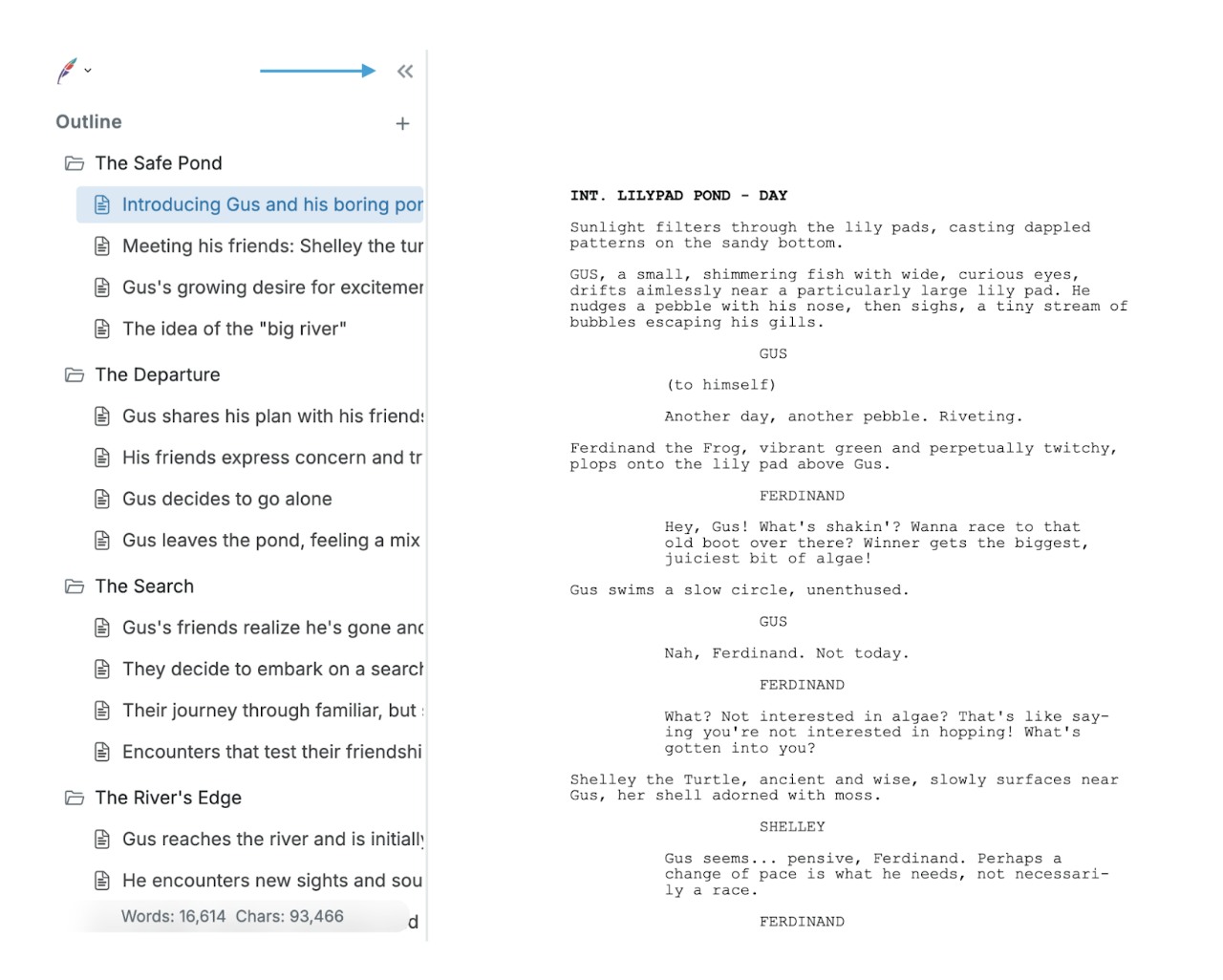
To remove the right sidebar, click on the >> on the right side of your document:
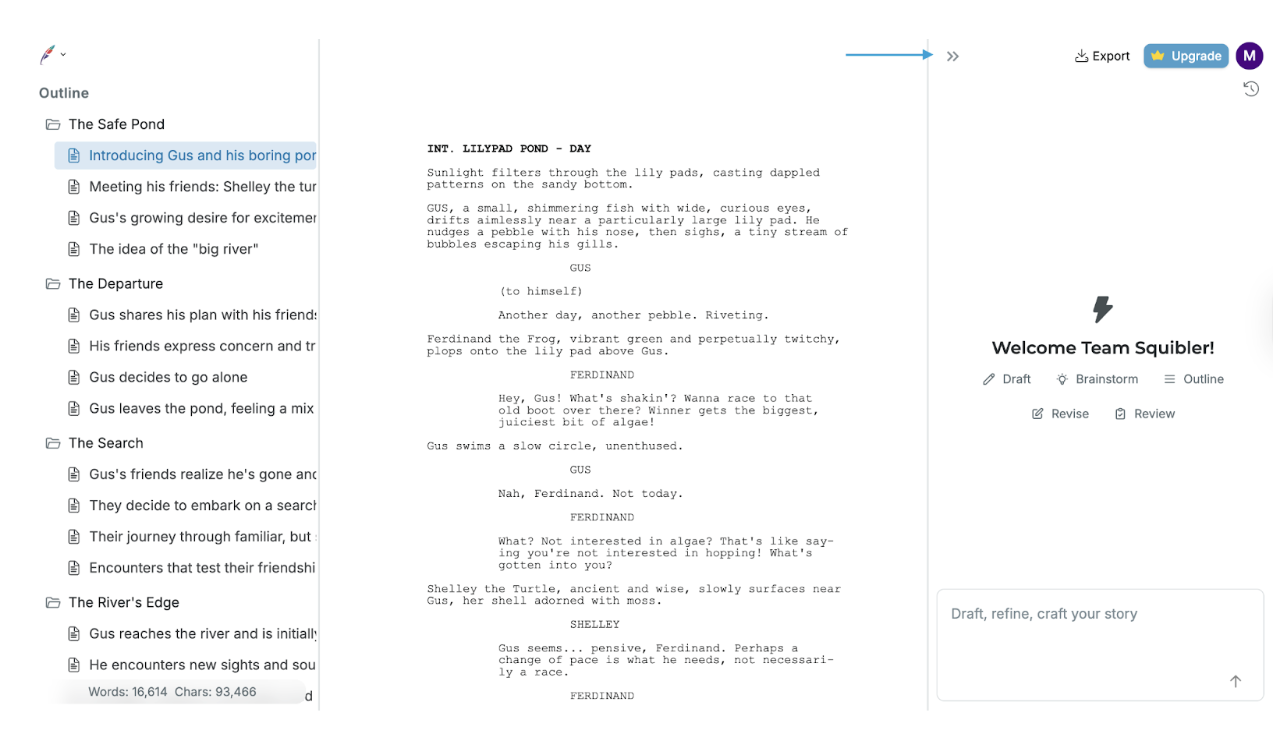
To restore the sidebars, click on the feather icon on the top left side to return the left sidebar.
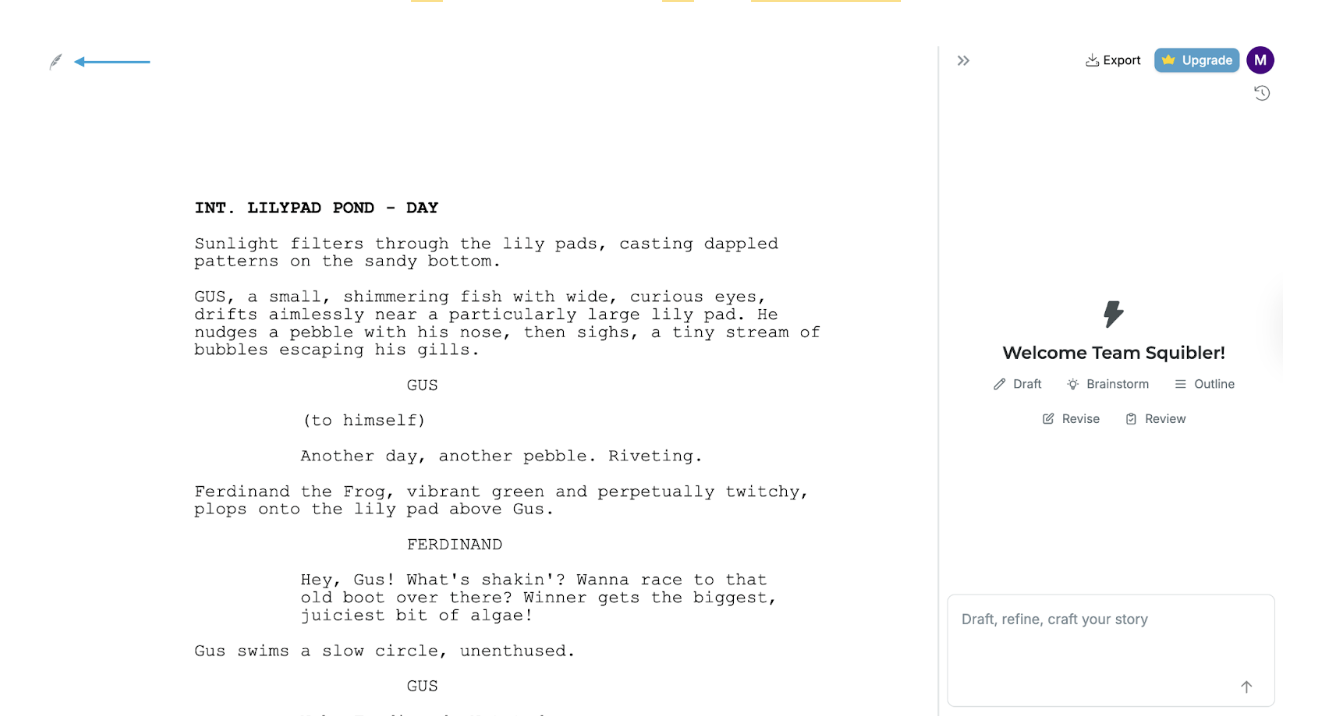
To restore the right sidebar, click on the >> icon on the top right side of your sidebar: