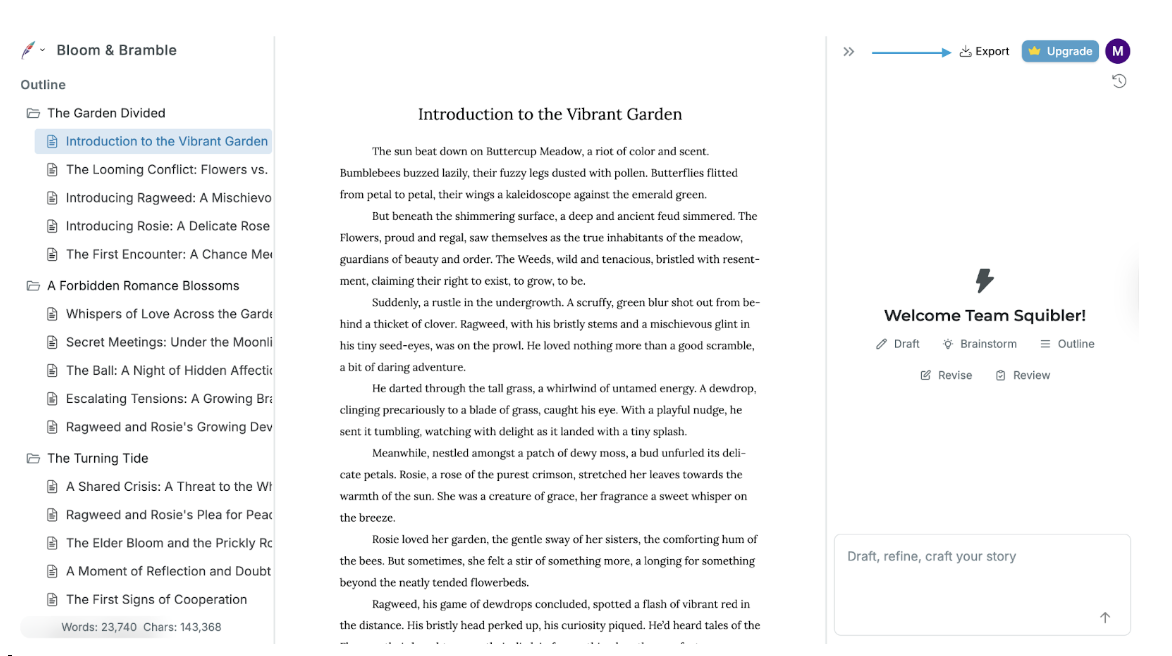
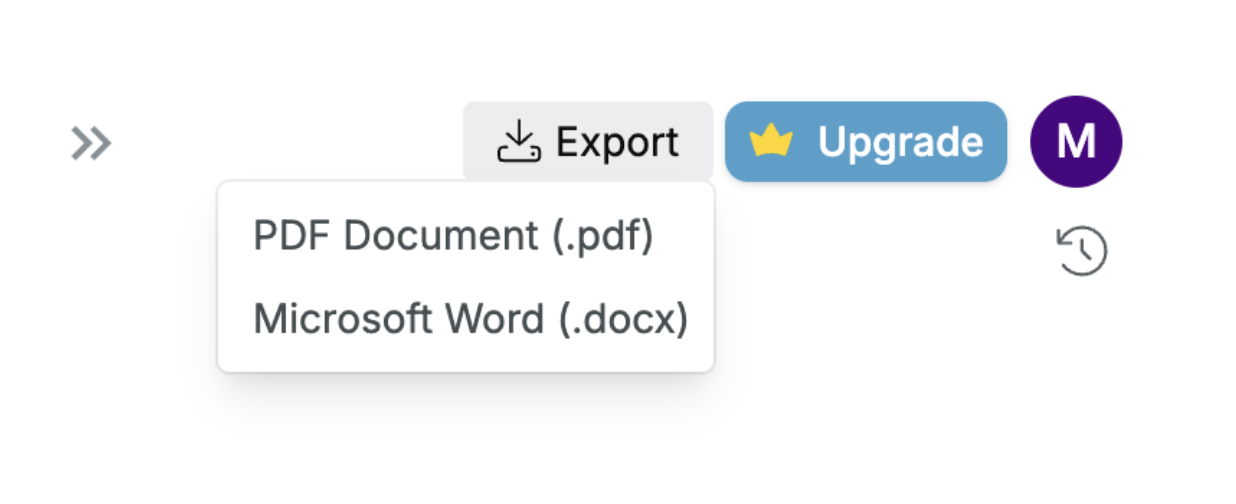
To export your work, click on the Export button on the top right side of your document. This will give you the option to export as a Word document or a PDF.
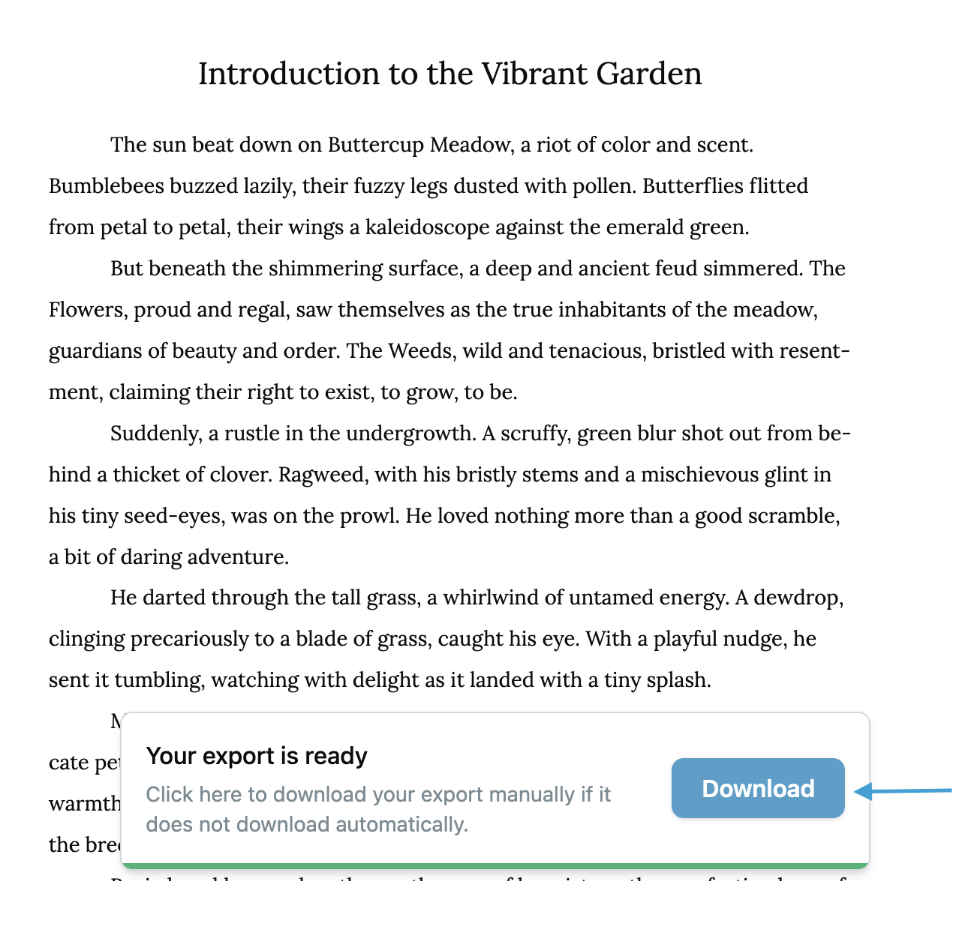
When your document is ready, you will receive a prompt to save it to your device:
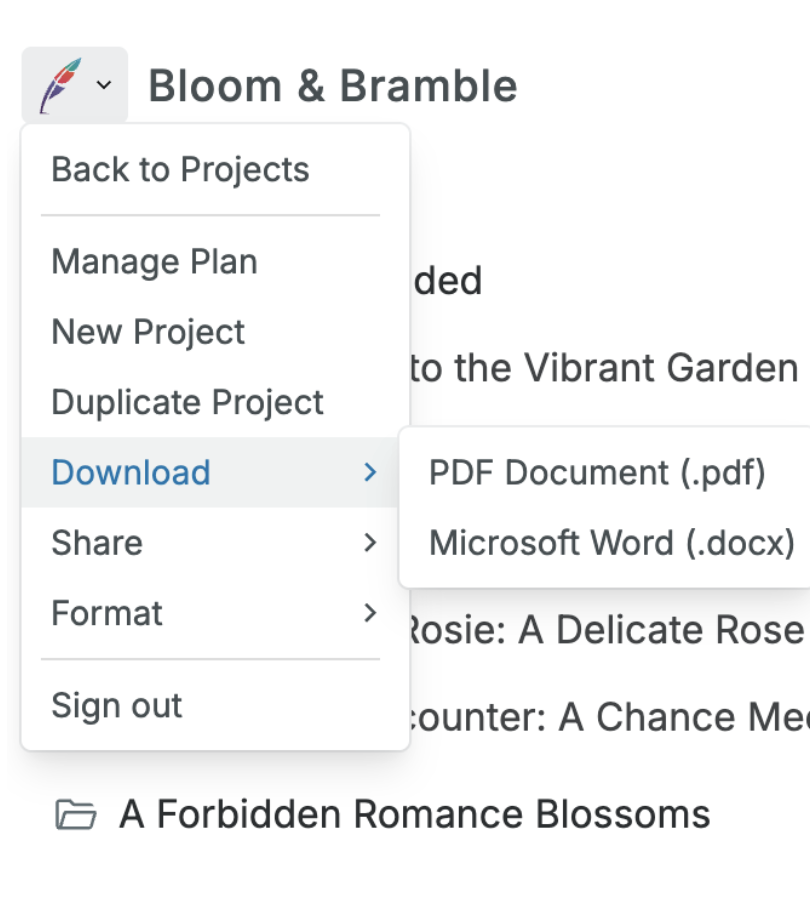
You can also download your document by clicking on the Squibler feather on the top left side of your document and then selecting Download from the pull-down menu: